How to Start/Boot Your VPS in SolusVM

If your VPS is down/offline, you can start it using SolusVM.


1.
Log in to your SolusVM Control Panel.

2. If you have multiple VPSs, select the appropriate one.
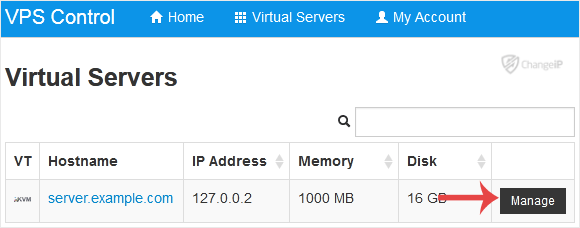
solusvm-select-vps.gif


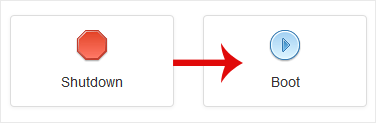
3. Click on Boot.
solusvm-boot-start-vps.gif


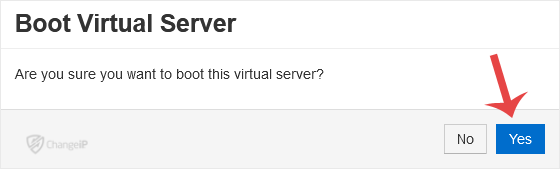
4. Click Yes to confirm.
solusvm-start-boot-confirmation.gif


It may take some time for the VPS to start.

  • 0 Users Found This Useful
Was this answer helpful?

Related Articles

How to Reboot/Restart VPS in SolusVM

You can restart VPS via the command line or SolusVM.How to Reboot/Restart a VPS via SolusVM?1....

How to Forcefully or Gracefully Shut Down the VPS in SolusVM

You can shut down the VPS in two ways - forcefully or gracefully in SolusVM. How to Gracefully...

How to Access VPS via VNC in SolusVM

You can access your VPS via VNC in an emergency, such as when a firewall blocks your IP, the...

How to Reinstall OS Using SolusVM OS-Reinstaller

You can easily Install/Reinstall the operating system using SolusVM. However, note that this...

How to Change the VPS OS Root/Admin Password in SolusVM

You can change the root/admin password of your VPS Operating System using SolusVM.1. Log in to...